Hob displays error message E8 / E822
Issue
- The induction / ceramic hob displays the error code E8 or similar (E822, etc.)
- What is the meaning of E8 error code on induction hob?
Applies to
- Induction Hobs
- Ceramic Hobs
- Cookers
Resolution
Error code E8 or similar may have the following causes:
1. In the case of a new installation: The hob has been incorrectly connected to the power supply.
Check if the hob is correctly connected to the power supply, according to the installation instructions. Contact the appliance installer.
2. The appliance was working correctly, but error E8 appeared after some time: The hob indicates an error in the electronics.
Restart the appliance and check that it works correctly after switching it back on.
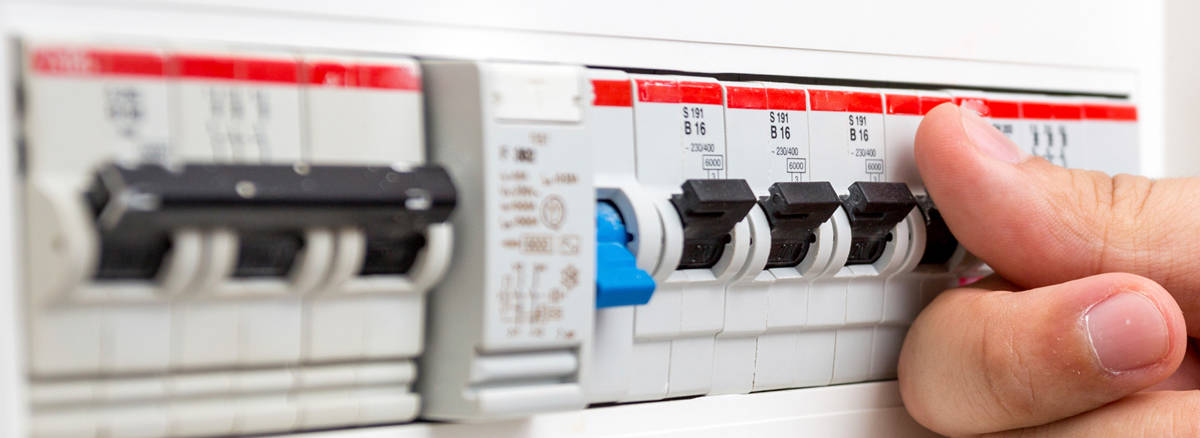
Note: To restart the appliance, disconnect it from the mains and wait at least 30 seconds before switching it back on.
In the case of built-in appliances, it is unnecessary to disconnect the cable physically - the appliance can be disconnected using the household RCD breaker.
3. Contact an Authorized Service Center.
If the above advice does not resolve the problem, we recommend requesting a visit by a service engineer.
Book a Service Visit
If none of the above steps resolve the issue, we recommend booking a service visit with an authorised technician. A professional inspection will help identify and fix any internal faults safely and efficiently.
Attention: we do not recommend using the product until the issue has been fully resolved. Disconnect the product and do not reconnect it until you are certain it is safe to do so.
Cause
- E8 (or E8xx) error code - incorrect installation (missing phase) or communication error between electronics
Was this article helpful?
Related Articles
- What Do The Gas Mark Numbers Mean / Relate To Temperatures?
- Can I put a protection mat on the induction hob?
- Hob displays message L, the hob is locked
- Discoloured glass plate / ceramic glass cleaning tips
- Hob displays error message E4 / E401 / E402 / E403 / E421 / E422 / E423 / E431 / E432 / E433
- ComboHob Extractor How To Clean and Replace Charcoal Filters
- The cooking zone does not heat
- Hob displays error message E9
- Choosing and installing an Induction Hob (video)
- Causes of cracks across induction or ceramic hobs
Spare parts & Accessories
Find original spare parts and accessories for your appliance in our webshop and have them delivered directly to your door.
Related Articles
- What Do The Gas Mark Numbers Mean / Relate To Temperatures?
- Can I put a protection mat on the induction hob?
- Hob displays message L, the hob is locked
- Discoloured glass plate / ceramic glass cleaning tips
- Hob displays error message E4 / E401 / E402 / E403 / E421 / E422 / E423 / E431 / E432 / E433
- ComboHob Extractor How To Clean and Replace Charcoal Filters
- The cooking zone does not heat
- Hob displays error message E9
- Choosing and installing an Induction Hob (video)
- Causes of cracks across induction or ceramic hobs