AEG cordless vacuum cleaner care guide: Do's and Don’ts
Resolution
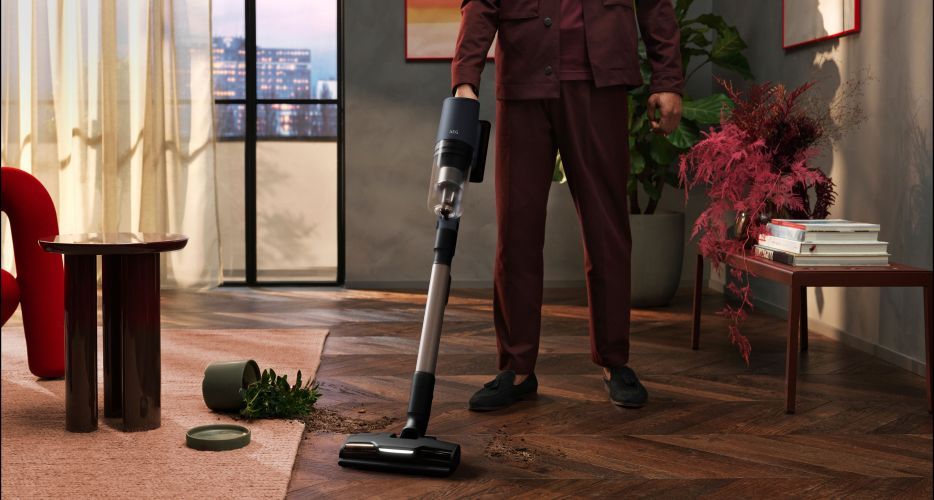
Regular cleaning and maintenance help maintain good suction and keep your AEG cordless vacuum cleaner working efficiently. Follow these simple do’s and don’ts to keep your appliance in great condition.
Dustbin and filter care
The do’s
- Do empty the dustbin regularly. Press the release button and remove the dustbin according to your model’s instructions.
- Do rinse the dustbin and removable filters with water. Use clean water at a maximum temperature of 40°C.
- Do dry the dustbin before putting it back. Wipe it with a clean cloth to remove any remaining moisture.
The don’ts
- Don’t use water hotter than 40°C. High temperatures can damage the dustbin and washable filter components.
- Don’t put damp filters back into the vacuum cleaner. Allow all washed filter parts to air-dry for at least 24 hours before use.
All-in-1 station care (selected models)
The do’s
- Do seal used dust bags before removing them. Open the side door and pull out the blue lid to seal the dust bag before removing and disposing of it.
- Do insert a new dust bag correctly. Make sure it’s securely in place before using the emptying station.
The don’ts
- Don’t put the lower filter back while it’s damp. After rinsing it with water at a maximum temperature of 40°C, allow it to air-dry completely for 24 hours.
Nozzles and accessories
The do’s
- DO remove tangled hair and threads from the brush rolls. Twist the side lock to remove the brush roll, then carefully cut away any tangles.
- Do wipe down multi-surface nozzles regularly. Use a damp cloth to remove dirt and make sure the brush roll is completely dry before putting it back.
The don’ts
- Don’t put brush-free nozzles in water. Wipe them clean with a soft cloth instead.
- Don’t tumble-dry or heat-dry mop pads. Wash them by hand or in the washing machine at a maximum of 40°C, then leave them to air-dry completely.
Battery and long-term maintenance
The do’s
- Do charge your vacuum cleaner after every use. Leave it plugged in between uses to preserve overall battery life and runtime.
The don’ts
- Don’t continue using a worn-out battery. A significant drop in runtime means it’s time to replace the battery with an official replacement.
A little regular maintenance goes a long way. Keep your cordless vacuum cleaner in great condition with the right care products, replacement filters and accessories.
Was this article helpful?
Related Articles
- Battery replacement in cordless vacuum cleaners
- Stick vacuum cleaner has reduced or no suction power
- Stick vacuum cleaner does not charge the batteries
- 8000 series vacuum cleaner - control panel icons
- ULTIMATE 8000 Wet&Dry cordless vacuum cleaner - charging problems
- ULTIMATE 8000 Wet&Dry cordless vacuum cleaner - “Dirty Water Tank Full” icon blinks
- Cordless vacuum cleaner maintenance (AEG Clean 6000 / Hygienic 6000 / Animal 6000 series)
- My Cordless Ergorapido vacuum cleaner stops after a short time, lights flashing
- Stick vacuum cleaner stops or does not start
- ULTIMATE 8000 Wet&Dry cordless vacuum cleaner - “TURBO” flashes on the display