How to use CamCook® with your AEG oven
Resolution
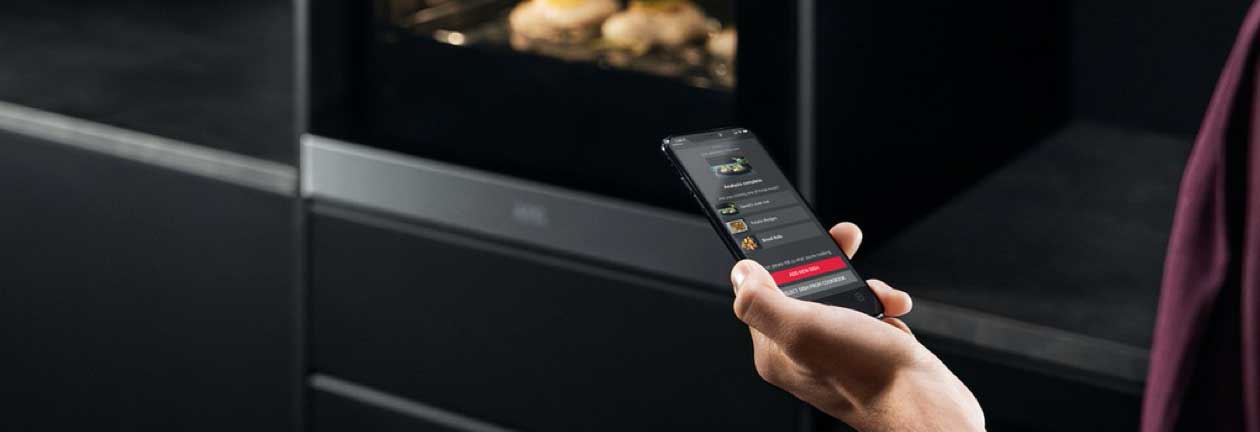
Use your phone’s camera to enhance your cooking experience on your AEG oven. CamCook® will assist you to fully utilise your smart oven’s features by helping you easily find the right way to cook your favourite dishes. You will find this feature on selected oven models.
What is CamCook® and why should you use it?
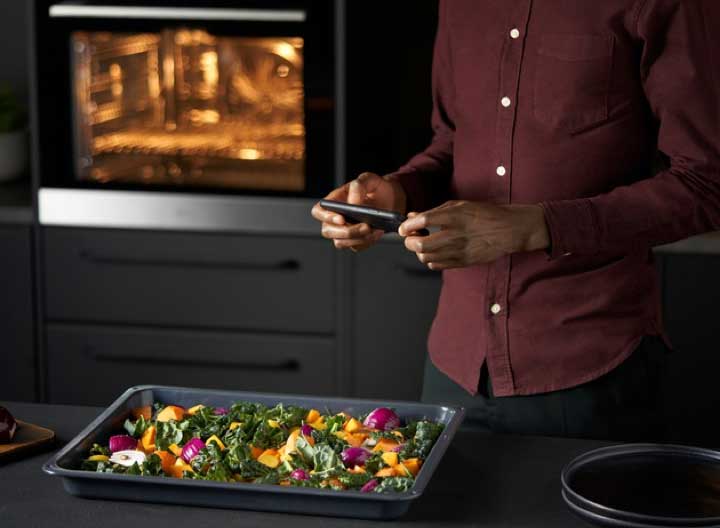
Just take a picture of your dish using the camera on your smartphone, and CamCook® will utilise its AI image recognition technology to identify the dish you want to prepare. CamCook® will then suggest the ideal oven settings for the dish and send the information to your smart oven. You can also save the oven settings in My Cookbook in the AEG app to get consistent cooking results.
How to use CamCook®
What you’ll need:
1. Make sure you’ve installed the AEG app on your smartphone and have connected your oven to it. If you haven’t already connected your oven, start by doing so
2. Make sure your oven is connected to Wi-Fi
3. In order to send settings to your oven, you will need to enable the remote control
Accessing the CamCook® function in the app:
1. Find the CamCook® function in My Cookbook under the Taste tab in the app – look for the camera icon
2. In CamCook®, either use a picture from the image library or open the smartphone camera in the app to take a new picture
3. CamCook® will use its AI image technology to recognise your dish and suggest ideal cooking settings for your oven, which you can then send directly to your smart oven to begin cooking
Tips and tricks
- There are two main routes to use the CamCook® functionality. The first is to take a picture of your dish, and CamCook® will suggest what dish it is and how to cook it from a library of recipes
- Alternatively, you can use CamCook® to search amongst your favourite recipes you have stored in My Cookbook to access the oven settings you have saved for the dish and send them directly to your oven
- You can add your own dishes and recipes with preferred oven settings to My Cookbook by taking a picture and creating your own pre-selected settings. The next time you want to cook the saved dish, simply take a picture and CamCook® will send the saved oven settings to your smart oven
For more information about your specific oven model, check the user manual. You can find your user manual here.
Now that you have learned everything there is to know about using the CamCook® function, you may want to learn more about how to use the My AEG Kitchen app with your smart oven.
Was this article helpful?
Related Articles
- Best Setting and Shelf For Pizza / What Is True Fan and Bottom Heat Setting / Function
- How to set the clock on an AEG oven
- Symbols and functions on your AEG oven or cooker
- How to remove the glass from built-in and freestanding oven doors
- Oven does not heat up
- The oven door cannot be opened after pyrolytic cleaning
- How to Proof Dough in an Oven (Without a Proofing Setting)
- How to use AssistedCooking on your AEG oven
- How to connect your AEG oven to the app
- Oven Trips Fuses or Circuit Breaker – Causes & How to Fix
Related Articles
- Best Setting and Shelf For Pizza / What Is True Fan and Bottom Heat Setting / Function
- How to set the clock on an AEG oven
- Symbols and functions on your AEG oven or cooker
- How to remove the glass from built-in and freestanding oven doors
- Oven does not heat up
- The oven door cannot be opened after pyrolytic cleaning
- How to Proof Dough in an Oven (Without a Proofing Setting)
- How to use AssistedCooking on your AEG oven
- How to connect your AEG oven to the app
- Oven Trips Fuses or Circuit Breaker – Causes & How to Fix